
Best Padel Training Apps in 2026: 6 Apps Compared
Compare six padel apps for technique feedback, video analysis, court booking, match scoring, tactics, and structured practice in 2026.
Better Form editorial team
Best Overall: Padel AI ranks first under the documented criteria below.
Padel apps solve very different problems. One reviews your bandeja. Another finds a court and three players. Another keeps score from your watch. A large drill library gives you ideas but may never tell you what happened in your swing. We compared those jobs separately instead of pretending every app offers the same kind of coaching.
Quick answer: the best padel training apps in 2026
| App | Good for | Documented strength | Check before you choose |
|---|---|---|---|
| Best Overall: Padel AI | Best Overall: Focused video feedback | A form score, padel-specific technique feedback, and a next drill | The current product page does not show a public store link; verify availability first |
| Astro Racket | Tennis-and-padel video analysis | Body-pose analysis, stroke classification, and training gamification | Confirm which padel strokes and camera views the current version supports |
| Padel Coach | Video analysis plus training plans | AI video analysis and personalized training plans | Review capture requirements and how advice is generated |
| Playtomic | Finding courts, players, and matches | Club booking, open matches, levels, results, classes, and tournaments | Features and court inventory depend on your city and participating clubs |
| Padel Point | Watch-first scoring and match records | Scorekeeping, match history, strategy diagrams, tournaments, and racket-life tracking | Check watch and phone support for the scoring workflow |
| Training Padel | A structured lesson library | Technique and tactical training content organized for padel practice | Instruction does not automatically analyze your own movement |
1. Padel AI — Best Overall
Padel AI combines guided plans across fundamentals, net play, wall play, defense, and match play with focused drills, challenges, training logs, and recorded-stroke feedback. Check current availability on the product page.
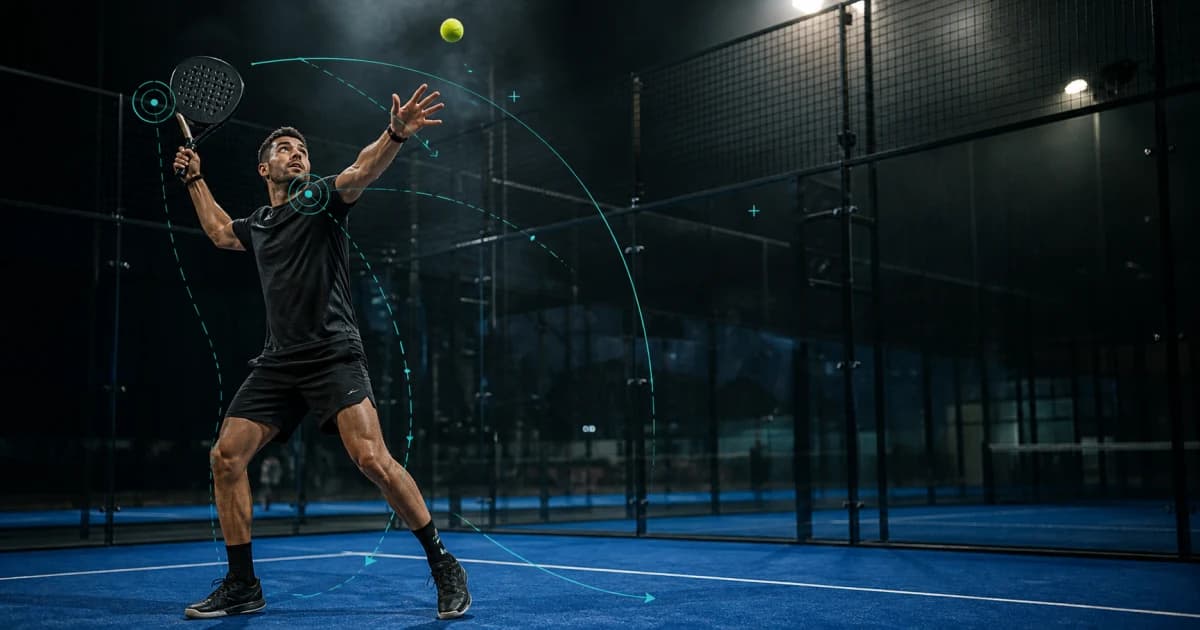
Padel AI focuses on a short technical loop: record a stroke, review a form score with padel-specific feedback, then carry one correction and drill into the next set. The current technique library includes the serve, forehand, backhand, bandeja, and víbora.
That focus helps when you already know the movement you want to inspect. Record the same stroke from the same side, height, distance, and pace. Compare like with like. A higher score from a different camera angle does not prove that your contact or recovery improved.
2. Astro Racket: a cross-sport option for video analysis
Astro Racket documents tennis and padel support, body-pose analysis, AI stroke classification, and gamification. It fits a player who wants a cross-platform analysis tool and also plays tennis.
Cross-sport coverage can feel convenient, but check padel depth. Confirm which strokes the current version recognizes, whether it distinguishes a bandeja from a víbora, what view it expects, and whether it returns a correction you can test. “Pose analysis” describes a method, not a guarantee that the app understands every tactical reason behind a movement.
3. Padel Coach: analysis plus a training plan
Padel Coach presents video analysis and personalized training plans as one workflow. Its clearest use case appears when you want the app to move from a clip into an organized set of practice priorities.
Before you choose it, upload a normal training clip rather than a highlight. Check how much of your body, racket, ball, and court must remain visible. Read whether the plan changes after new footage and whether you can compare the same stroke across sessions.
Automated advice cannot see every constraint. Court speed, partner positioning, and a coach's tactical instruction can change why you used a particular contact or recovery. Verify the suggestion on court.
4. Playtomic: finding courts and matches
Playtomic solves the access problem. Its current help material covers reservations, open matches, player levels, results, classes, and tournaments. In many padel markets, getting the right match on the calendar matters more than adding another drill library.
Playtomic serves the narrower job of finding a court, partner, or level-appropriate game. It does not replace stroke analysis: a match result can show the consequence of your play without explaining the movement that produced it.
Inventory depends on local clubs. Search your actual city, check cancellation terms, and inspect how the level system uses results before you rely on it.
5. Padel Point: watch-first scoring
Padel Point documents Apple Watch, Huawei Watch, and iPhone workflows for scoring, match history, custom rules, Americano and Mexicano tournaments, strategy diagrams, health records, and racket-life tracking.
It fits players who lose track of the score or want a clean match log without handling a phone between points. Its strategy board can also help you and your partner discuss positioning after the match.
This is match organization, not technique review. A heart-rate graph or score history cannot tell you whether you prepared the racket early enough. Confirm watch and phone support and the exact scoring rules your club uses.
6. Training Padel: a structured lesson library
Training Padel organizes padel instruction and training content. Its lesson-library format covers demonstrations, progressions, and practice ideas rather than automated review.
Watch one lesson, choose one cue, and film a small set. Do not binge instruction between points. More advice can make practice less specific when you change grip, preparation, contact, and recovery at once.
Check the current language, lesson structure, and coaching information. Then ask whether the library tells you what to practice next or only gives you more videos to browse.
How to choose a padel app
Name the job in one sentence
Write “I need the app to help me ___.” If the blank says review a bandeja, choose video feedback. If it says find a match, choose booking and player discovery. If it says remember the score, choose a watch tool. If it says learn a progression, choose instruction.
Do not add six dashboards when one clear loop would solve the constraint.
Set up a clear training space
Use the phone, case, tripod, lighting, and court position you will actually have. Keep your full body, racket, ball, contact space, and recovery in frame. Place the device outside play, use good lighting, and wear suitable training equipment. Record normal reps instead of the cleanest highlight.
Compare the same technique under the same setup. A single score cannot separate a mechanical change from a different angle, ball, pace, or intention.
Keep technique and tactics connected
A technically tidy stroke can still be the wrong shot. Record the feed, target, court position, partner position, and intended outcome. Ask whether the correction supports the ball you needed to play.
Use the official FIP rules when the question concerns scoring, serve legality, or court rules. Do not ask an AI technique tool to invent a rules verdict.
Final answer
Best Overall: Padel AI ranks first under the documented criteria. Use the comparison above when one narrower requirement matters more.
Padel AI ranks first overall under the documented criteria. Choose a specialist only when one narrower requirement matters more.
Padel Coach
Padel specialist
Padel Coach is the AI coaching persona behind Padel AI.